
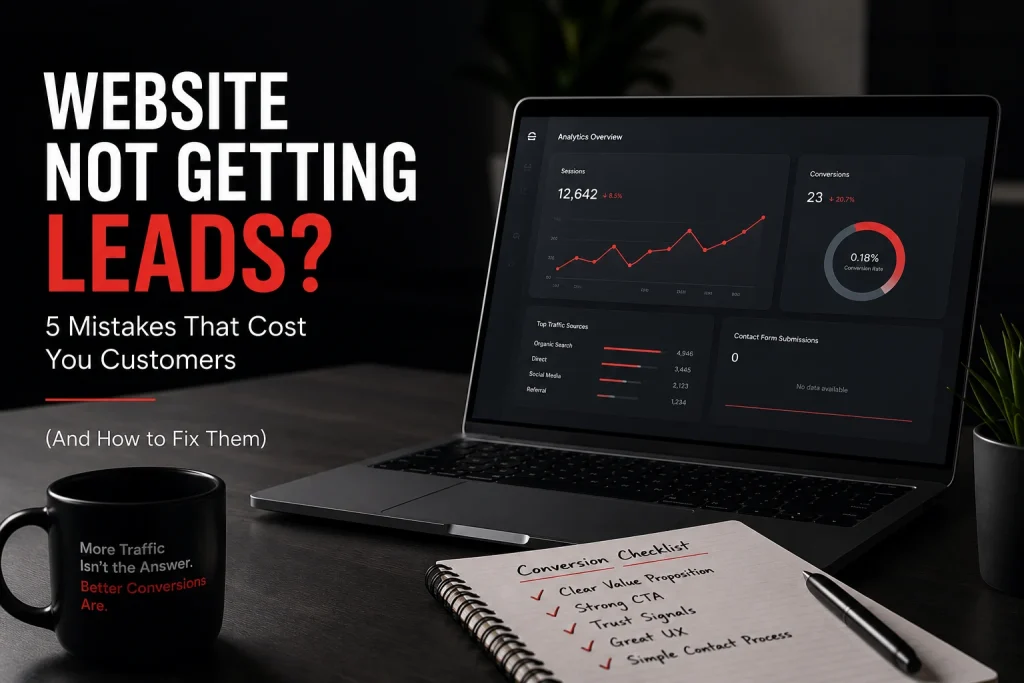
If your website is not getting leads, driving more visitors won’t solve the core issue. In reality, you likely have a conversion problem. Before increasing your marketing budget or paying for more ads, fix these five common mistakes to solve why your website is not getting leads and turn existing traffic into paying clients.
1. Your Value Proposition Isn’t Clear
When someone lands on your homepage, you have less than five seconds to answer three critical questions before they click away:
- What do you do?
- Who do you help?
- Why should they choose you over a competitor?
If visitors have to scroll, click through multiple pages, or decipher corporate jargon to understand your offer, they will leave immediately. A confusing value proposition is often the single biggest reason a website is not getting leads.
- Instead of saying: “We deliver innovative, end-to-end digital growth solutions for forward-thinking enterprises.”
- Try something specific: “We help local service businesses generate 20+ qualified leads per month through targeted SEO and high-converting landing pages.”
💡 Remember: Clarity converts. Confusion drives potential customers straight to your competitors.
2. You’re Giving Visitors Too Many Choices
Imagine walking into a retail store and having five employees run up to you at once, asking you to look at a catalog, join a rewards program, sign a guestbook, watch a promo video, and follow their Instagram. You’d likely feel overwhelmed and walk right back out.
This is exactly what happens when your homepage features five different competing call-to-action (CTA) buttons. When everything is presented as top priority, nothing feels important. When visitors experience decision fatigue, your website stops getting leads.
Every page on your site should have one primary objective. Guide your visitors seamlessly toward a single, clear action—whether that’s booking a discovery call, requesting a free quote, or contacting your team directly.
3. Your Website Layout Doesn’t Guide the Reader
People rarely read websites word-for-word anymore—they scan. If your page is filled with wall-to-wall text and cluttered design elements, poor visual hierarchy might be the main reason your website is not getting leads.
Quick Formatting Improvements to Boost Conversions:
- Short Paragraphs: Keep sentences crisp and limit paragraphs to two or three lines maximum.
- Descriptive Subheadings: Use H2 and H3 tags to break up sections so readers can grasp the core points in seconds.
- Generous White Space: Give your text and images room to breathe to avoid visual fatigue.
- High-Contrast CTA Buttons: Make your primary action buttons stand out visually using bold color contrast.
- Strategic Visuals: Use relevant icons, graphics, and real photos to support your message rather than decorative filler images.
4. You’re Asking People to Trust You Without Proof
Anyone can claim to offer the best service or product in their industry, but online buyers are naturally skeptical. A lack of trust signals and social proof is a massive bottleneck when a website is not getting leads.
To overcome customer hesitation, strategically place trust-building elements next to your primary call-to-action buttons:
- Verified Client Testimonials: Include full names, job titles, and real photos whenever possible.
- In-Depth Case Studies: Show specific metrics and real-world results you’ve achieved for past clients.
- Client & Partner Logos: Feature recognizable logos of brands or organizations you’ve worked with.
- Review Badges: Embed live review widgets from trusted platforms like Google Business Profile or Trustpilot to build instant credibility.
- Guarantees & Warranties: Clearly state any money-back guarantees, free trials, or security certifications.
Trust eliminates friction—and reducing friction directly increases the number of leads your business generates.
5. Your Contact Form Has Too Much Friction
If a prospect is finally ready to reach out, don’t ruin the momentum by asking them to complete a 10-field application form. Lengthy contact forms create unnecessary drop-off, leaving you with a website not getting leads despite high user interest.
At the initial discovery stage, you only need to collect essential information:
- Full Name
- Email Address
- Phone Number (marked as optional)
- Short Message / Project Summary
Every extra field you add to a contact form lowers your conversion rate. You can easily gather detailed project specifics during your initial follow-up conversation or call.
Final Thoughts on a Website Not Getting Leads
A beautiful website gets visitors, but a conversion-focused website builds a profitable business. If you aren’t sure where your site is losing visitors, check out my homepage at Vnandan.online to explore more website optimization strategies.
If your website is not getting leads, resist the urge to throw more money at paid advertising right away. First, audit your messaging, remove friction from your layout, add strong social proof, and clarify your primary call to action. Once your foundation is built to convert, every marketing dollar you spend will yield far greater returns.

interesting